
Cutting DTF Material
The Graphtec FC9000 Series is your cutting solutions for Direct-To-Film (DTF) media.
This comprehensive tech sheet provides important setup instructions, optimal settings, and tips to ensure a seamless cutting experience with this groundbreaking media.
Unleash your protential and embrace the DTF revolution by unlocking new possibilities with the Graphtec FC9000 Series Cutter.

Blade Settings

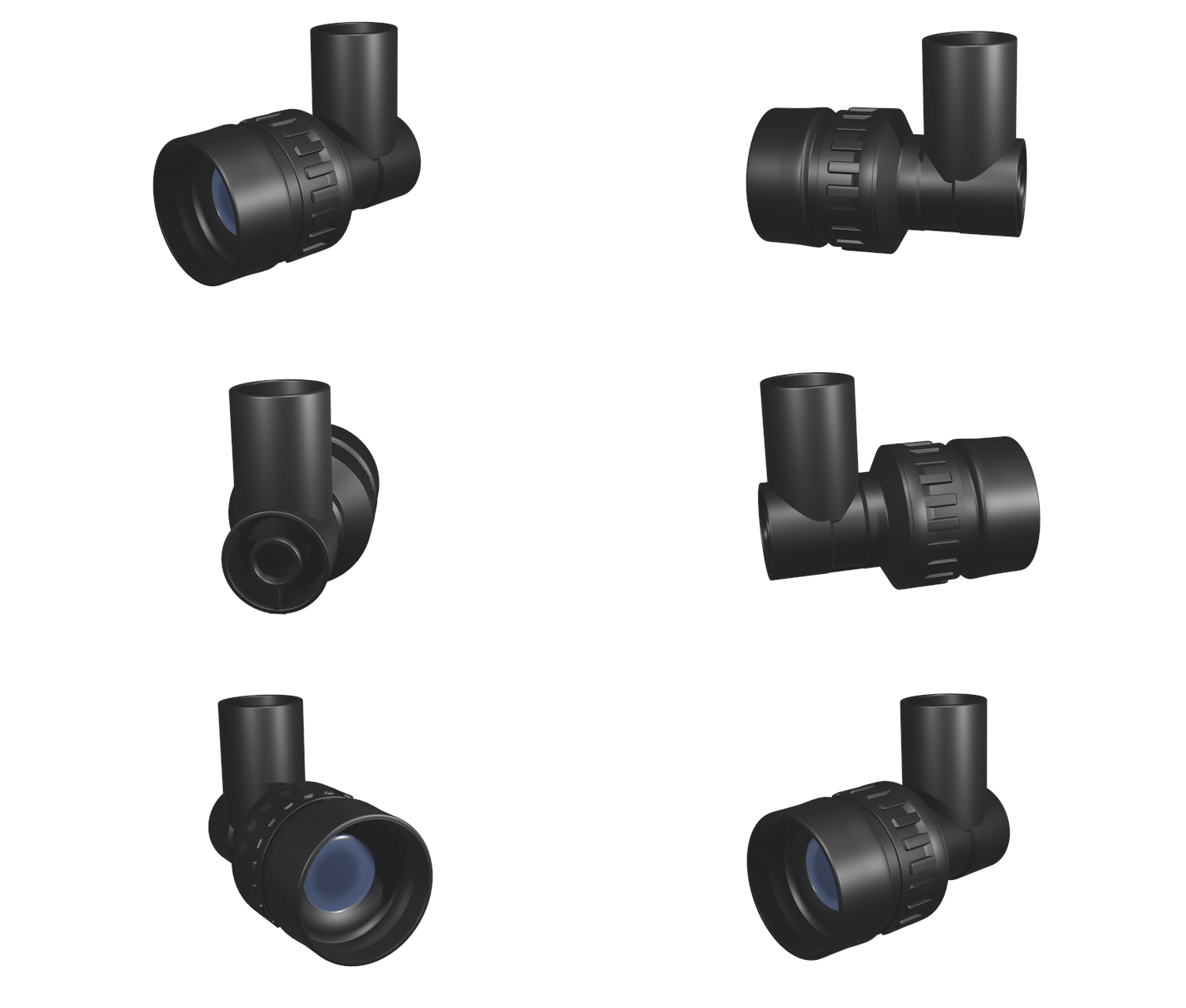
Blade: CB09UB – Sharp Blade Recommended
Blade Loupe: PM-CT-001
Blade Length: 2nd line on blade loupe
Control Panel Settings
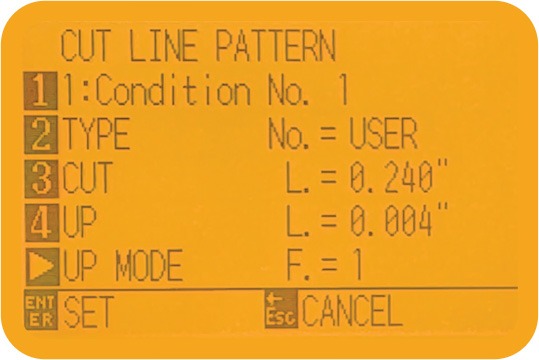
Speed: 15
Force: 14 to 15
Acceleration: 2
User/Cut: 0.240in / UP: 0.002 to 0.004
Up Mode: 1 / Moving Speed: 10cm/s
Cutting Strip
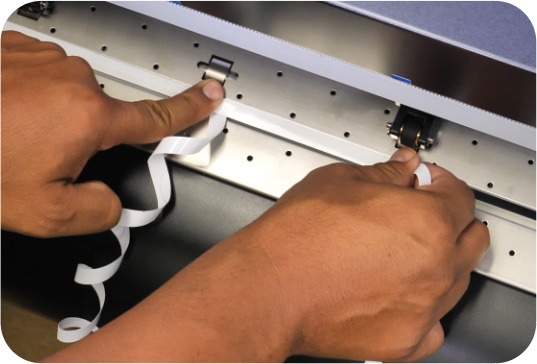
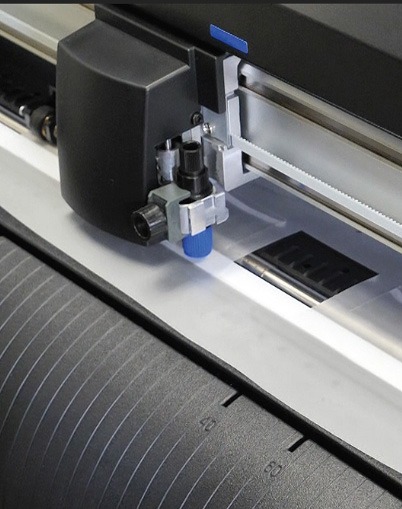
Graphtec recommends cutting a 3/8″ wide strip of white sign vinyl to cover the teflon cutting strip for the entire width of DTF material being cut. Remove the strip when cutting any other media.

About DTF Materials
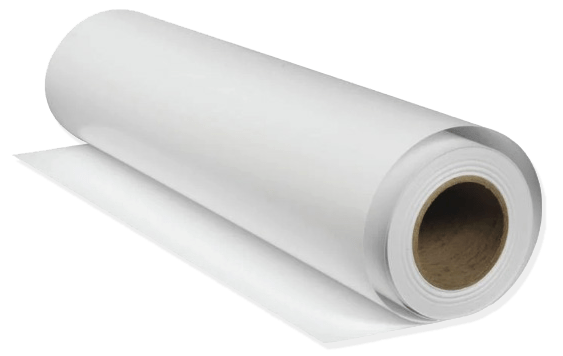
3 types of DTF materials: Cold DTF, Hot DTF and Double-Sided DTF Materials all feel the same in texture and weight, but transparencies vary.
COLD DTF
- Give better results with vibrant prints
- Requires a waiting period after garment is pressed to cool down before pealing.
- Film material is a transparent frost.
HOT DTF
- Fast solution no waiting period before peeling film from fabric.
- Print colors are less vibrant than Cold DTF
- Film material is more transparent then the others.
DOUBLE-SIDE DTF
- Double-sided material has better traction, less drifting vs single sided.
- Film material is a transparent frost.
DTF Cutting Tips and Tricks
Familiarize yourself with each type of DTF media by cutting a section without prints and adjust settings as needed.
DTF material will only perforate accurately over the Teflon cutting strip covered with adhesive white vinyl. Cutting over the channel will eventually cause the material to buckle up or jam.
Speed should be sent to 15, but can be increased depending on size and length.
Scan Mode 1 setting will depend on the film. Adjust Level may vary but should be set at -25 for HOT DTF
When using Cutting Master 5 plugin, set the Cut Plot Feature to cut counter-clockwise. This mode setting will help minimize bunching or buckling of the DTF media.
GRAPHTEC AMERICA Soluciones de corte de precisión
REGISTER
PRO SUPPORT